Wazuh SIEM
Published by harrisonjonesit.co.uk on
Wazuh SIEM
After discussing an upcoming project in work, I decided to build my own SIEM using Wazuh, which is a free, open-source security tool that can monitor agents and servers giving you full visibility of events and vulnerabilities on those clients.
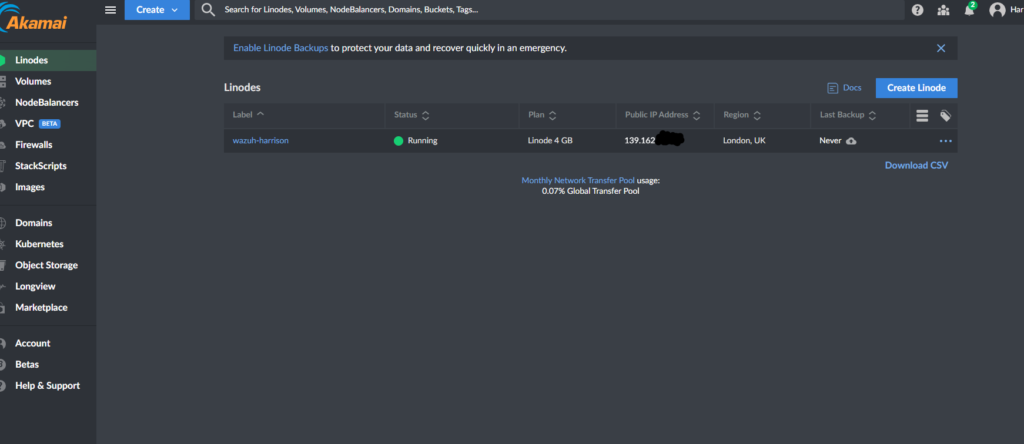
Firstly I created a Ubuntu Linux machine on Linode in order to host the application. You can create machines with certain apps pre-installed on them and Wazuh was on the list of the available apps. If installing locally you can just run a command that is available in their documentation (Installing the Wazuh server step by step – Wazuh server)
Once up and running, I was able to login to the server via SSH on my local machine and obtain the credentials by navigating to the ‘secret passwords’ directory . To find this directory just run ‘ls-all to confirm directory name. then ‘cat-secret passwords’.
Now you will be able to login via the browser using the reverse DNS , for Linode this is found under main info of the machine. This is where we can add agents and begin the actual fun. Fill in the information it asks for about the machine and it will provide you a line of code to input to install. This can be done locally or through an RMM for mass deployment. For my demo. I only have 1 machine so I just deployed it on 1 agent, locally.
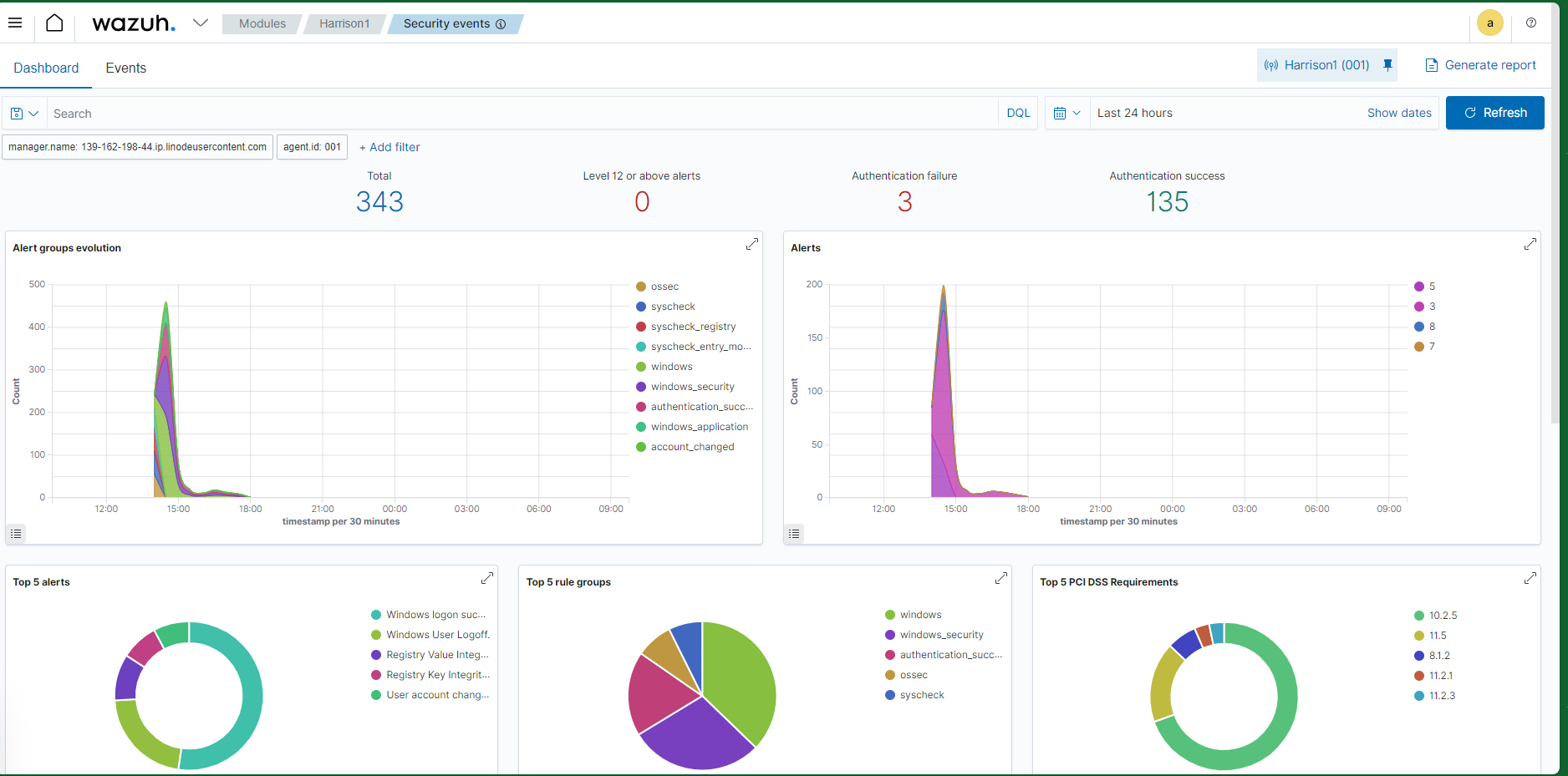
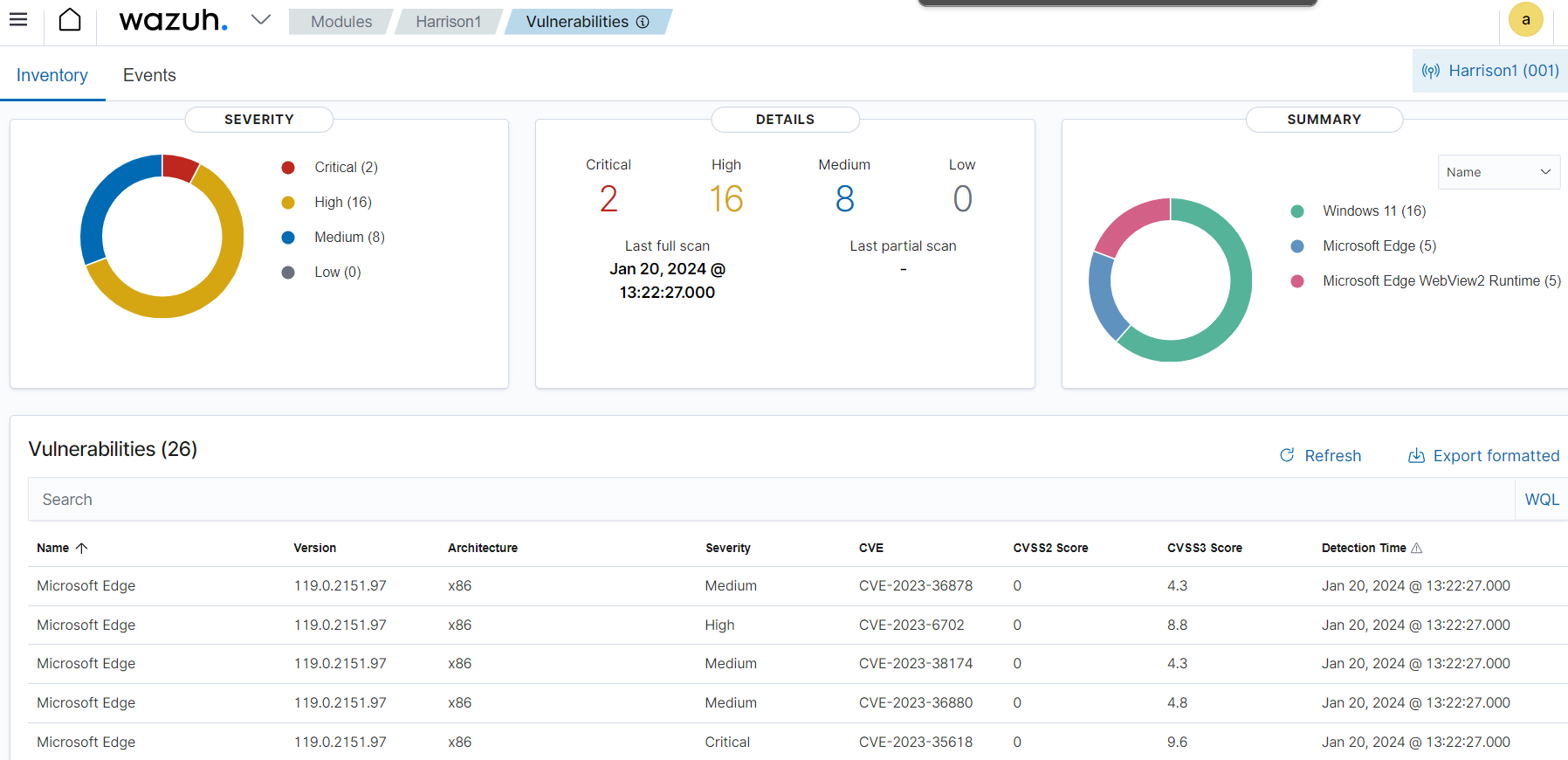
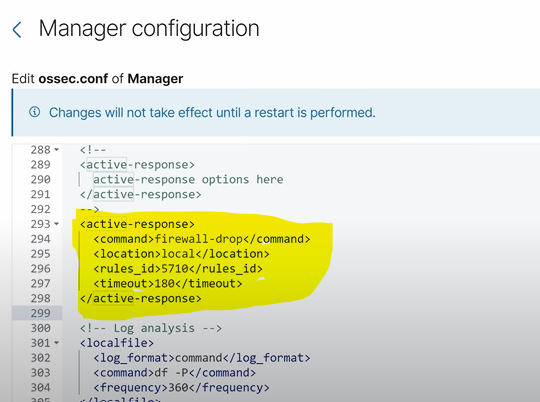
The dashboard is really clean and its easy to navigate between events, recommendations, CVE’s ETC. You can also edit the config file to do exactly what you want. You can set up email or Slack alerts, block or allow certain addresses and much more. I would strongly suggest going over the documentation to see all the possibilities of what this can do. For my project I created a slack alert and also an active response rule to block remote connections trying to use a non-existent user as an example.
Overall, this is a great tool and the fact it is open-source means it can be a great learning tool for anyone wanting to get visibility of what a security tool looks like. The possibilities are limitless and I didn’t find any cutbacks compared to the enterprise level SIEM’s I have used in the past. This tool can be used to practice many different cyber roles such as vulnerability management, incident response, remediation and patching to name a few. I strongly recommend setting one of these environments for both your own labs but also look to implement into their business level scenario also.